Alt text for every email image, written the way email teams write it
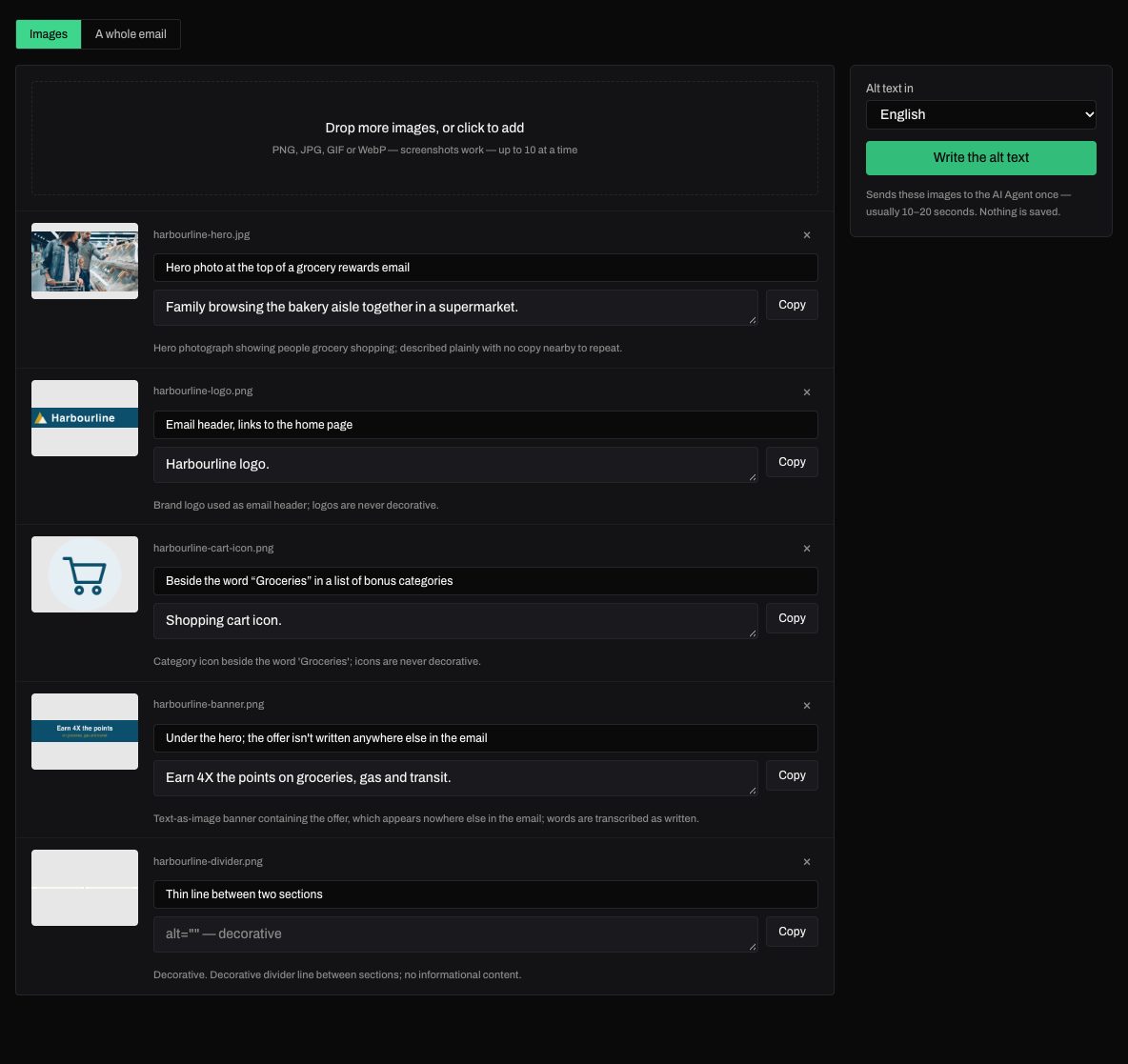
The AI Agent looks at each image with a note on where it goes and writes the alt text it should ship with: what a photo shows, a logo's name, an icon's kind, a banner's own words — and alt="" for dividers and decoration.
What you get
- One short sentence per image, ending with a period: "Family shopping for groceries together in a supermarket."
- Logos and icons named for what they are: "Harbourline logo.", "Shopping cart icon."
- Banners of words written out, and alt="" for decoration and copy that repeats the line beside it
- English or Canadian French, editable, one click to copy
How it works
- Drop the images — screenshots work — and say in a few words where each one goes.
- Pick English or French and press Write the alt text.
- Edit anything you'd word differently, then copy each alt into your build.
Frequently asked questions
- Why one sentence instead of a full description?
- Alt text is read aloud in the middle of an email and shown in place of a blocked image. A short, plain sentence on what the image shows is what screen-reader users and professional copy decks both expect.
- When should alt text be empty?
- For images that carry nothing a reader would miss: spacers, dividers, background shapes, and pictures whose words already sit in the copy right beside them.
- Is anything saved?
- No. The images go to the AI Agent once, for that one click, and nothing is stored.
More tools
The tools are part of SendLint, which checks every email in a campaign against its copy deck and creative — every version, both languages, every round. See SendLint.